
On-Stream Widgets
Add Widgets to your stream.
Casterlabs-Caffeinated has a powerful suite of alerts suitied for all possible usecases. Whether you stream to one platform, or multiple platforms our alerts package is fully flexible for your needs.
All Casterlabs-Caffeinated stream event Alerts can be added into your streaming software (OBS etc) as Browser Sources.
Available Widgets #
From the Create a New Widget pop-up in the Widgets & Alerts tab in Casterlabs-Caffeinated you can create these two different Widgets to add to your stream overlay.
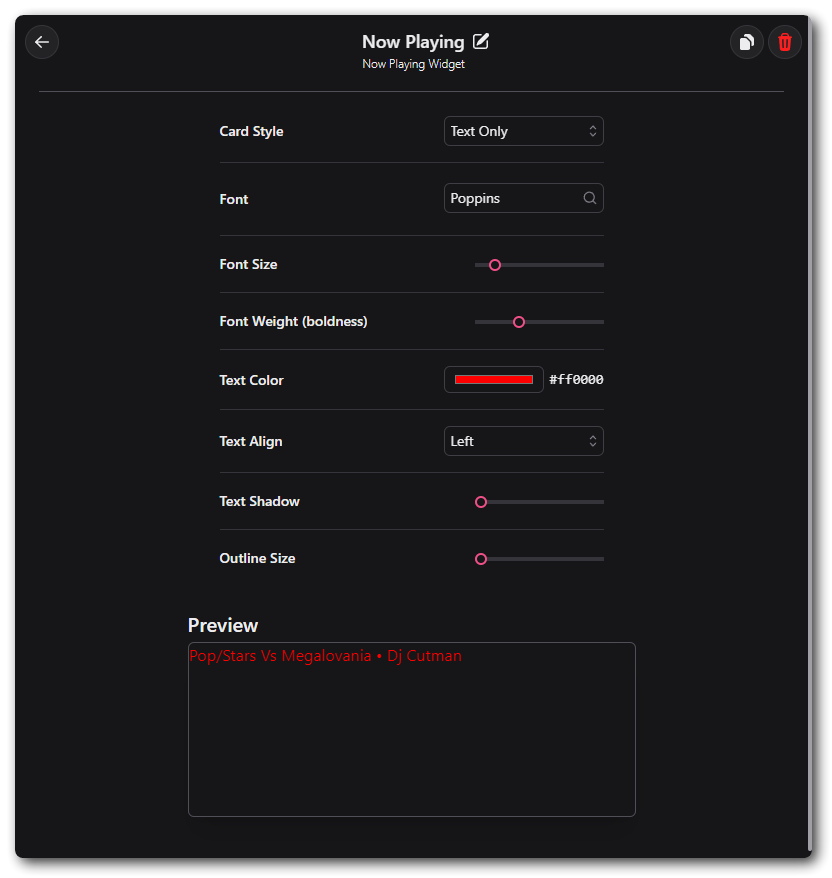
Casterlabs-Caffeinated can display a widget on screen which shows what song you are currently listening to. You can customize the way the widget appears on your stream overlays.
Horizontal Card #
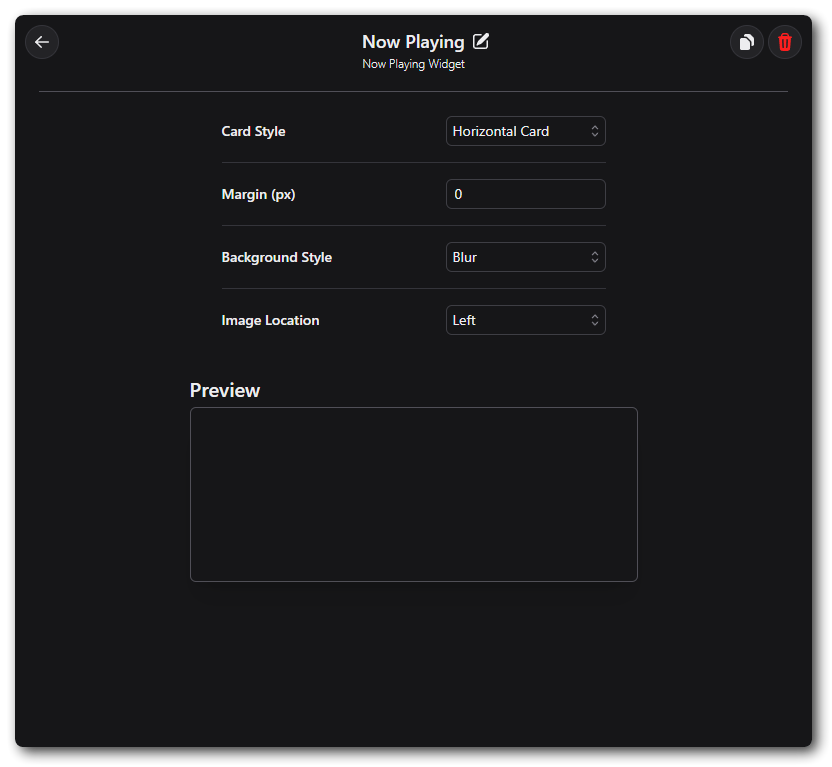
The Now Playing Card option will display the Album Art along with the song title and Artist, with the Album Art blurred in a rectangular format. 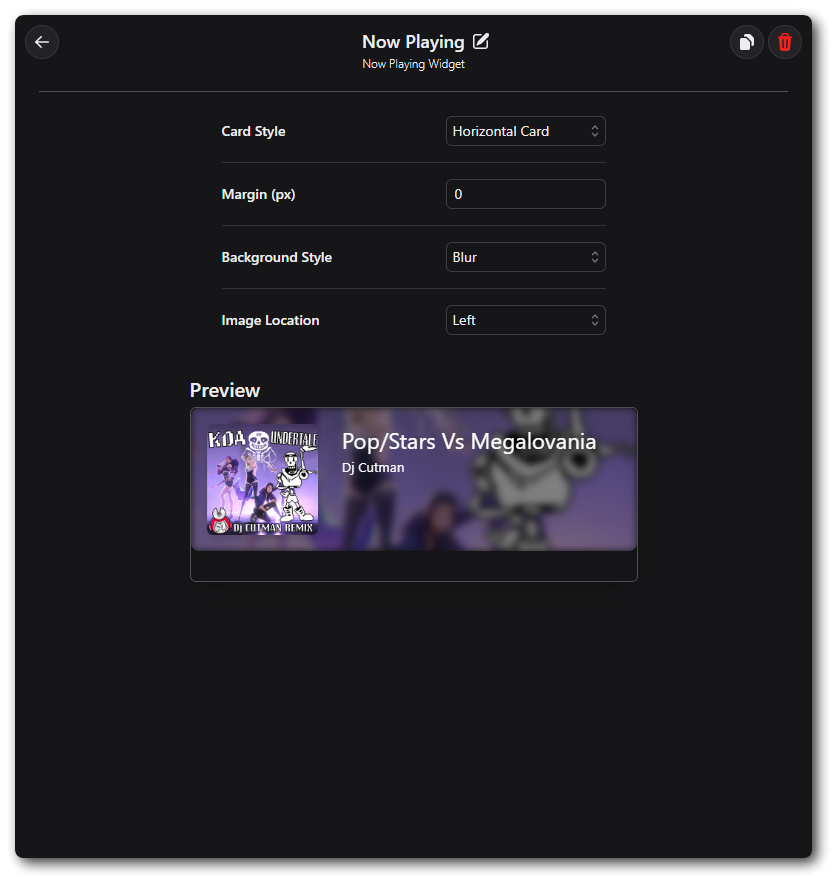
Image Only #
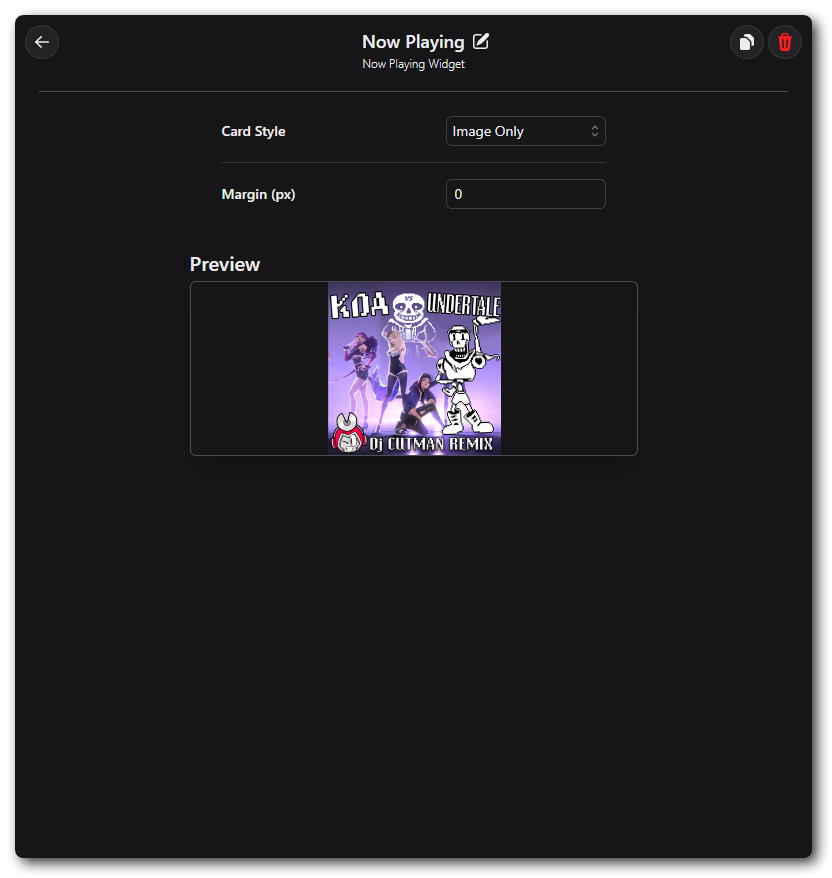
The Now Playing Image will display just the Album Art of the track you are listening to.
Text Only #
The Now Playing Text Only option will only display the Artist & Track title.